Page Settings
The Page Settings module allows administrators to manage static content pages and important informational sections of the Drivo platform. This includes About Us, Privacy Policy, Terms & Conditions, and App Download Links.
These pages help define platform identity, legal policies, and user communication content.
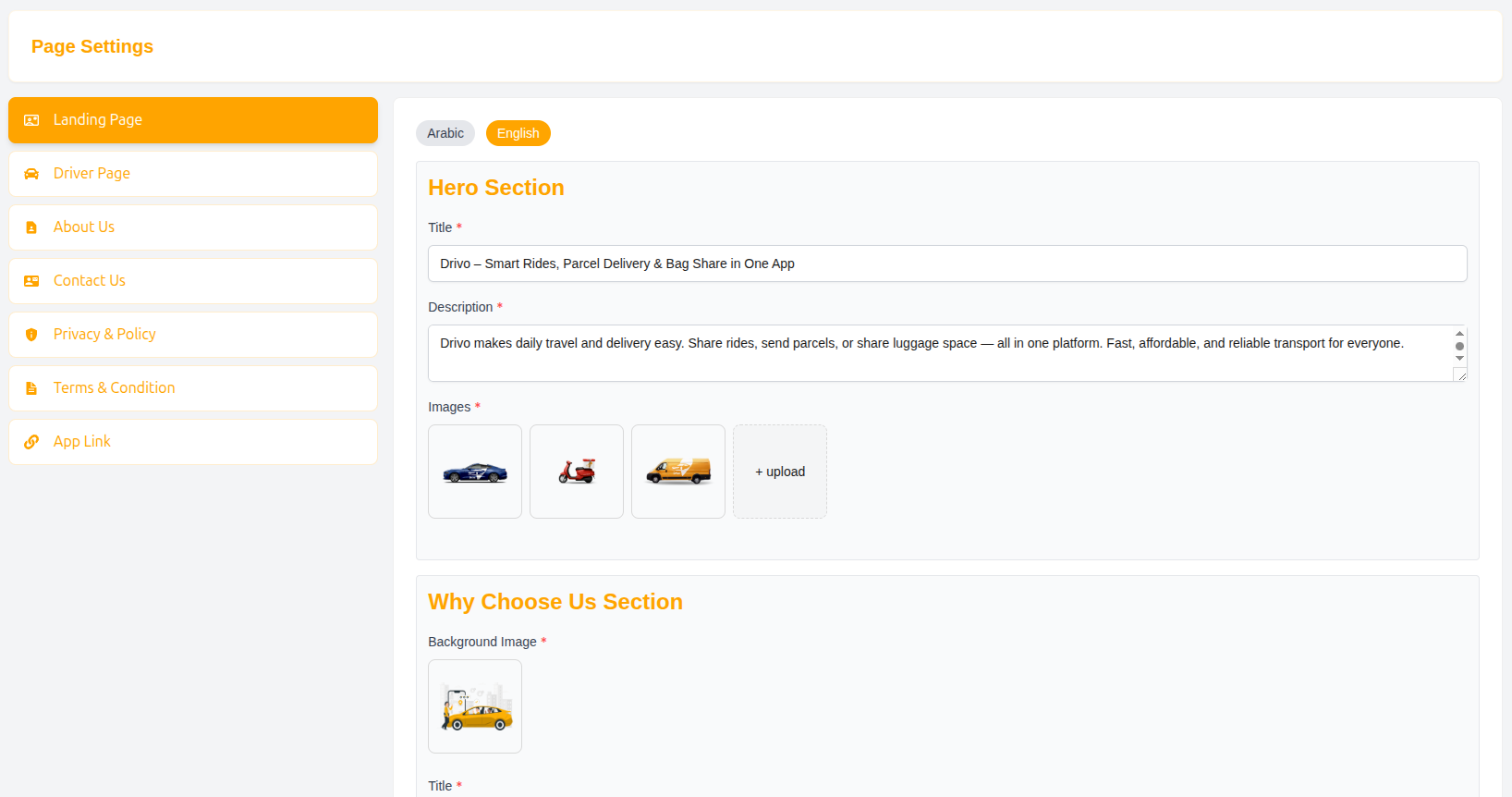
About Us Page
The About Us page defines the company story, achievements, and key statistics of the Drivo platform.
First Section
This section introduces the platform with a visual and summary content.
Fields
-
Image: Upload banner or illustrative image
-
Title: Main heading text
- Example: Our Journey: From Vision to Reality
-
Description: Detailed platform introduction
Platform Statistics
This section highlights key achievements of Drivo.
Fields
-
Total Drivers
- Example: 1997
-
Trips Per Month
- Example: 2000
-
Total Employees
- Example: 100
Second Section
This section provides additional storytelling or promotional content.
Fields
-
Title
- Example: A Documentary About Drivo: Revolutionizing Urban Mobility
-
Description
- Detailed explanation of platform impact and services
-
Documentary Video Link
- YouTube video URL showcasing platform overview
Privacy Policy
The Privacy Policy page defines how user data is collected, used, and protected within the Drivo platform.
Fields
-
Title
- Example: Drivo Privacy Policy
-
Full Description
- Complete legal text describing data protection policies
Purpose
- Protect user privacy
- Ensure legal compliance
- Build user trust
- Define data usage rules
Terms & Conditions
The Terms & Conditions page defines the rules and regulations for using the Drivo platform.
Fields
-
Title
- Example: Drivo Terms & Conditions
-
Full Description
- Detailed legal terms of platform usage
Purpose
- Define user responsibilities
- Set platform usage rules
- Prevent misuse of services
- Ensure legal protection for the company
App Link Section
The App Link section manages download links and promotional content for mobile applications.
Fields
Image
Upload promotional banner image for app download section.
Title
Main heading for app promotion section.
Subtitle
Short description or tagline.
Android Apps
User App
- Link for Android user application download
Driver App
- Link for Android driver application download
Apple Apps
User App
- iOS App Store link for users
Driver App
- iOS App Store link for drivers
Submit Settings
After updating any page content:
- Click Submit to save changes
- Updates will reflect on the live website immediately
Why Page Settings Matter
- Controls website content dynamically
- Manages legal compliance pages
- Improves user communication
- Enhances branding and marketing
- Supports mobile app promotion
Summary
The Page Settings module provides full control over informational and legal pages of the Drivo platform, ensuring dynamic content management, better user engagement, and consistent branding across web and mobile applications.