Site Settings
The Site Settings module allows administrators to configure global application settings for the Drivo platform. These settings control branding, contact information, API configuration, localization, and social media integration.
General Information
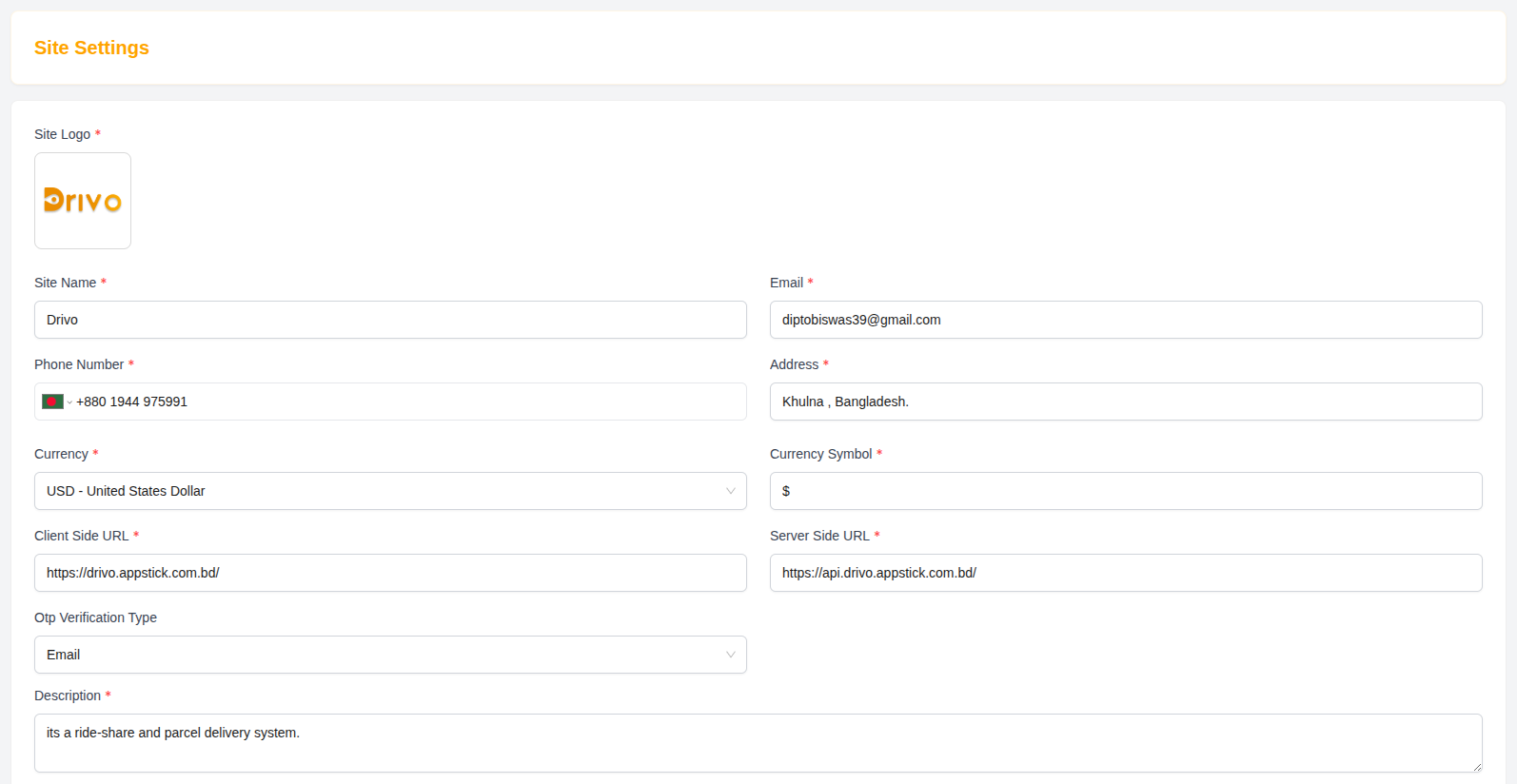
Site Logo
Upload the main logo used across the platform.
- Example:
image.png - Recommended format: PNG or SVG
- Used in navbar, footer, and admin panel
Site Name
Defines the official name of the platform.
- Example: Drivo
Description
A short description of the platform.
- Example: It is a ride-share and parcel delivery system.
Contact Information
Email
Support email address for users.
- Example:
support@drivo.com
Phone Number
Contact number for support and communication.
-
Format:
- Country: Bangladesh
- Code: +880
- Example:
+880 1944 975991
Address
Physical or business address of the company.
- Example: Khulna, Bangladesh
Localization Settings
Currency
Defines the default currency used in the platform.
Currency Symbol
- Example: $
This is used across fares, payments, commissions, and reports.
System URLs
Client Side URL
Frontend application URL used by users.
- Example:
https://drivo.appstick.com.bd/
Server Side URL
Backend API URL used by system services.
- Example:
https://api.drivo.appstick.com.bd/
OTP Verification
OTP Verification Type
Defines how users verify their accounts using One-Time Password (OTP).
-
Options may include:
- Email OTP
- SMS OTP
- Both
Social Media Links
These links are displayed on the website footer and contact pages.
Platforms
- Facebook Link
- Twitter Link
- Instagram Link
- LinkedIn Link
Save Settings
After updating any configuration:
- Click Submit to apply changes
- Changes take effect across the entire platform
Why Site Settings Matter
- Controls global branding and identity
- Manages platform communication details
- Ensures correct API and frontend integration
- Supports localization and currency settings
- Connects social media presence
Summary
The Site Settings module provides centralized control over the entire Drivo platform configuration, ensuring consistent branding, proper system integration, and efficient communication management across all services.